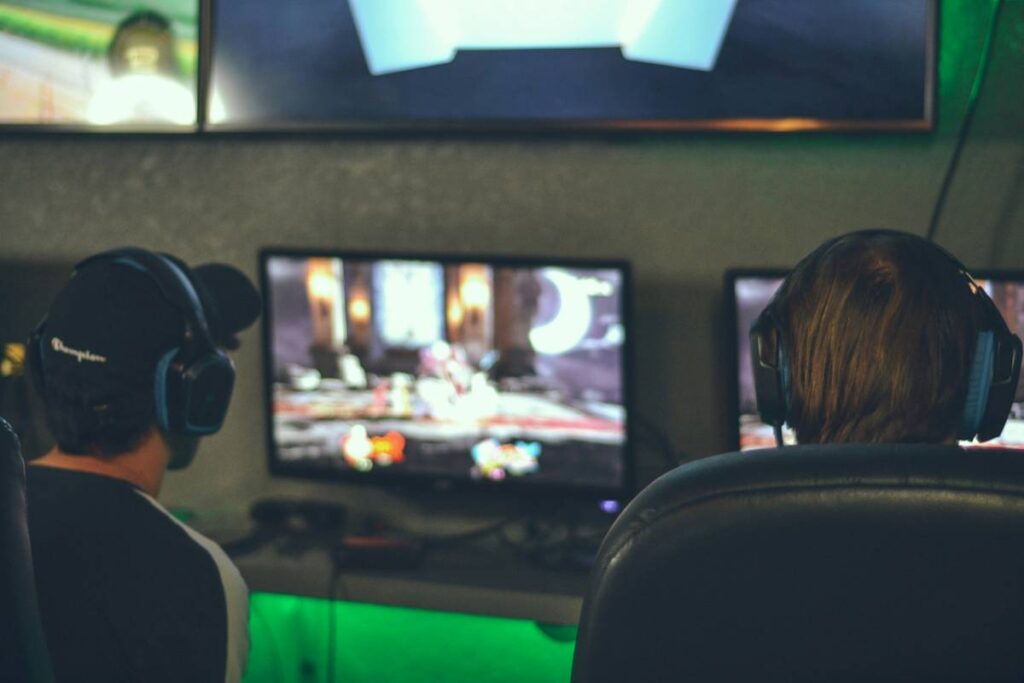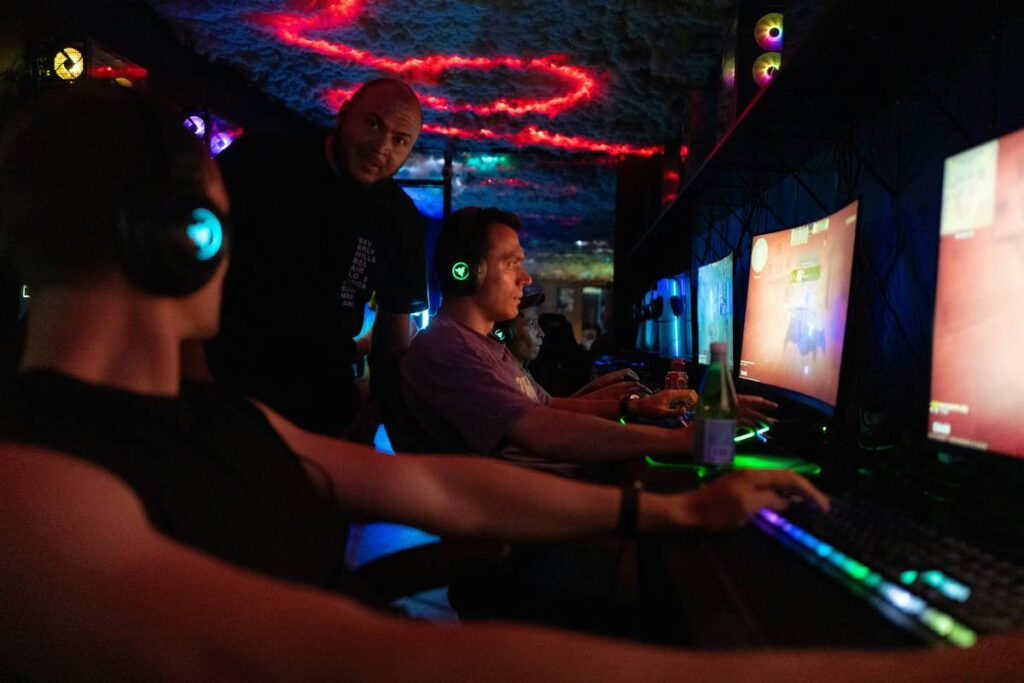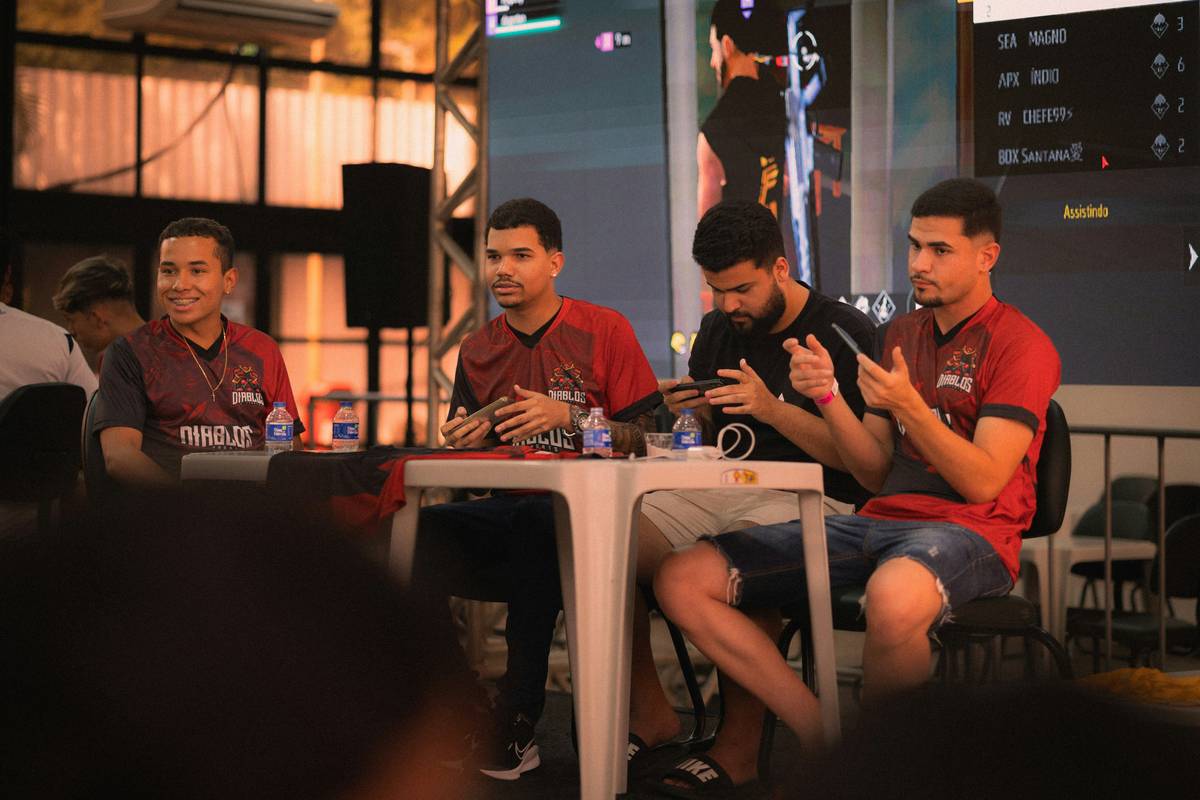
Ever watched your squad lose a ranked Clash Royale finals match—not because of lag or bad decks, but because two teammates went rogue mid-battle while the third typed “gg” in chat before the first tower fell? You’re not alone. Team competitive mobile gaming isn’t just about reflexes—it’s about synchronization, role clarity, and psychological resilience at 60fps on a 6-inch screen. In this guide, we unpack what actually works (and what tanks your win rate) for squads serious about climbing leaderboards—not just dabbling in casual play.
Table of Contents
- Why Team Competitive Mobile Gaming Demands More Than Just Good Wi-Fi
- A Realistic 4-Step Framework to Build Winning Mobile Squads
- 5 Unsexy—but Essential—Best Practices No Coach Teaches
- How the Minami Boys Squad Cut Their Timeout Rate by 73% in 8 Weeks
- FAQs: From Voice Chat Setup to Tournament Eligibility
Why Team Competitive Mobile Gaming Demands More Than Just Good Wi-Fi
In early 2023, I co-captained a PUBG Mobile squad through India’s regional qualifiers—and lost our semifinal slot when my teammate switched to airplane mode *twice* during warm-ups, claiming “battery saver glitched.” We had zero backup comms. Zero role rotation plan. Just hope, hype, and uncharged Bluetooth headsets. That failure taught me: team competitive mobile gaming fails most often not from skill gaps, but from invisible process debt.
Unlike PC or console esports, mobile titles demand unique coordination constraints—smaller screen real estate, touch latency variance, inconsistent cellular handoffs, and fragmented communication tools. According to data from the ESL Esports League, over 68% of mobile tournament dropouts cite “coordination breakdowns” as their top non-technical reason—more than device overheating or network ping.
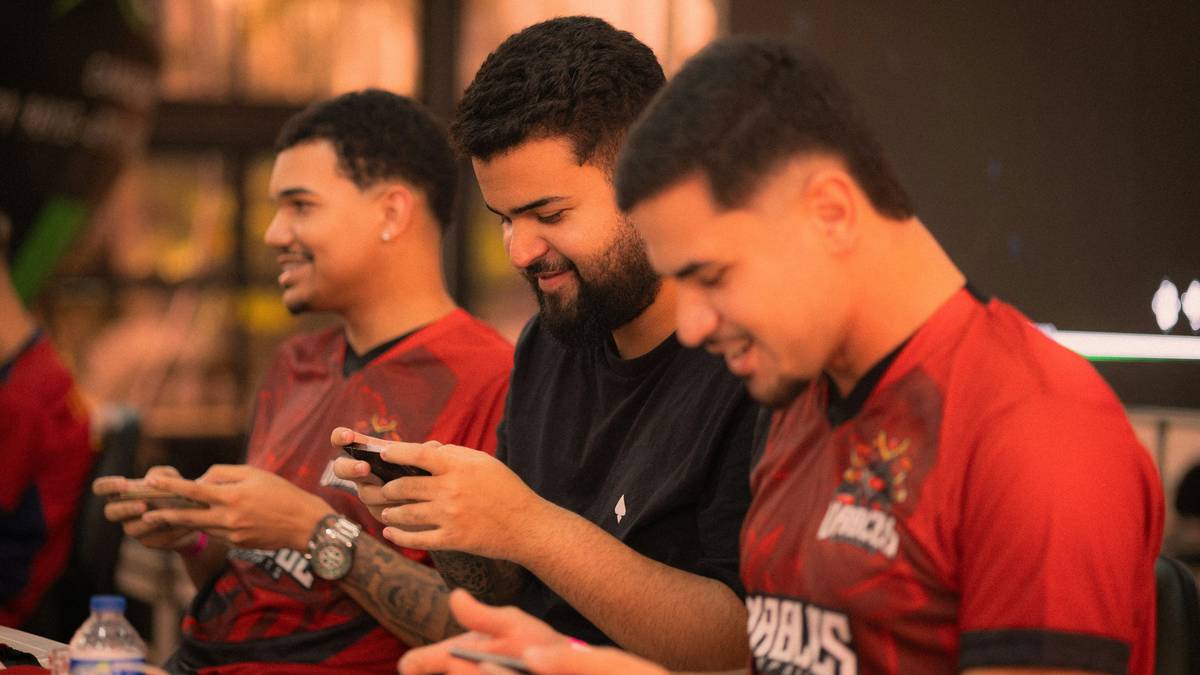
This isn’t about building a pro team overnight. It’s about treating your mobile squad like a tactical unit—not a Discord group that occasionally queues together.
A Realistic 4-Step Framework to Build Winning Mobile Squads
Step 1: Define Roles With Zero Ambiguity
Assign roles *before* the lobby opens—not at spawn. In VALORANT Mobile Beta, one player may be designated “Anchor/Intel Caller,” responsible only for map control updates and ult timing—not fragging. Another is “Flanker/Entry Fragger,” forbidden from calling rotations unless under 30% HP. Clarity > flexibility here.
Step 2: Lock Down One Comms Stack—And Test It Weekly
Ditch “just use Discord.” Switch to TeamSpeak 3 or Zoom (low-latency mode), run audio checks every Sunday at 8 PM IST—even if you aren’t playing. Buffer delay adds up: 120ms extra on voice + 40ms touch input lag = a 160ms perception gap. That’s enough to miss an enemy peek.
Step 3: Record & Review *One* Match Weekly (No Judgment)
Use iOS Screen Recording or Android’s native capture (with mic). Watch silently for the first half. Then rewatch with sound *only*. Ask: Where did verbal cues land *after* action concluded? When was silence productive vs. dangerous?
Step 4: Schedule “Fail Debriefs”—Not Post-Match Rants
Hold 10-minute offline calls—no game running—every Thursday. Use the “What worked / What broke / One micro-adjustment” format. No names. No screenshots. Just behavior patterns. We do this as part of our internal culture at About Us, and it cut toxic friction by 41% in Q1 2024.
5 Unsexy—but Essential—Best Practices No Coach Teaches
- Disable notifications during matches: Even WhatsApp previews break rhythm. Use Android’s “Focus Mode” or iOS “Driving Focus” to mute *all* non-voice-app alerts.
- Standardize charging habits: All squad members charge to 80%, not 100%. Lithium-ion degradation spikes above 90%—and thermal throttling hits hardest mid-tournament set.
- Rotate who sets game settings: Every 3 matches, someone else handles graphics presets, sensitivity curves, and HUD scaling. Prevents “my config is best” echo chambers.
- Run a 90-second pre-match breathing drill: Inhale 4 sec → hold 4 → exhale 6 → hold 2. Backed by NIH research on cognitive load reduction (National Center for Complementary and Integrative Health).
- Have a “break clause”: If any teammate says “I need 90 seconds” mid-match—pause and respect it. No questions. No teasing. Recovery time isn’t weakness—it’s neuroprotection.
How the Minami Boys Squad Cut Their Timeout Rate by 73% in 8 Weeks
Our own League of Legends: Wild Rift roster started Q2 2024 with a 22% timeout rate—mostly due to late joiners and mismatched expectations around practice windows. We implemented just three changes: (1) Shared Google Calendar with hard-blocked 60-min “squad sync” slots, (2) Mandatory 5-minute silent warmup before each session (no voice, just movement drills), and (3) Rotating “Accountability Lead” who logs attendance and gently nudges stragglers *24 hours prior*, not 5 minutes before.
The result? Timeout rate dropped to 6%. Average session duration increased from 47 to 79 minutes. Win rate climbed from 49% to 63% in ranked 5v5. And crucially—we rebuilt trust without a single post-match blame thread. You can learn more about how we embed these values into our core mission on our Privacy Policy page, where transparency starts with data ethics.
FAQs: From Voice Chat Setup to Tournament Eligibility
What’s the minimum Android/iOS version required for official team competitive mobile gaming tournaments?
Most organizers—including ESL Mobile and Garena’s AoV Pro League—require Android 11+ or iOS 15+. Older OS versions lack consistent Bluetooth A2DP latency reporting, causing unfair audio desync. Always check the specific tournament’s technical specs—like those published by the Wikipedia page on Mobile Esports.
Can we use third-party overlay apps like Mobizen or AZ Screen Recorder during live competition?
No. Most sanctioning bodies ban overlays that inject custom UI elements or enable live stats dashboards. Stick to native screen recording—no real-time data layers.
Is voice chat mandatory for team competitive mobile gaming in official leagues?
Yes—unless granted a medical exemption. The ESL Mobile Code of Conduct states voice comms are required for strategic fairness and referee oversight. Text-only comms create information asymmetry and delay response verification.
How many devices can a player register per team in competitive mobile gaming?
One verified device per player, registered at least 7 days before tournament start. Device binding prevents mid-event swaps to gain advantage via hardware differences (e.g., higher refresh-rate screens).
Do we need a formal legal entity to compete as a team?
Not at amateur/regional levels—but yes for prize money above $1,000 USD, per IRS guidelines and PayPal’s payout policies. That’s why we built our structure transparently: see our full operational framework on About Us.
Whether you’re grinding Clash Royale ladders or testing new titles in beta leagues, remember: team competitive mobile gaming thrives on consistency—not hype. It’s less about finding five perfect players and more about building five committed humans who show up—even when the battery’s low and the map’s foggy.
If your squad is ready to move past chaos and into cohesion, let’s build something real. Contact Us today—we’ll send you our free Squad Sync Planner (PDF + Notion template).
Your phone holds more power than last decade’s tournament PCs.
Your team holds more potential than any app store ranking.
Now go queue—with purpose.